Workflow

  1. Open a ChatGPT conversation.
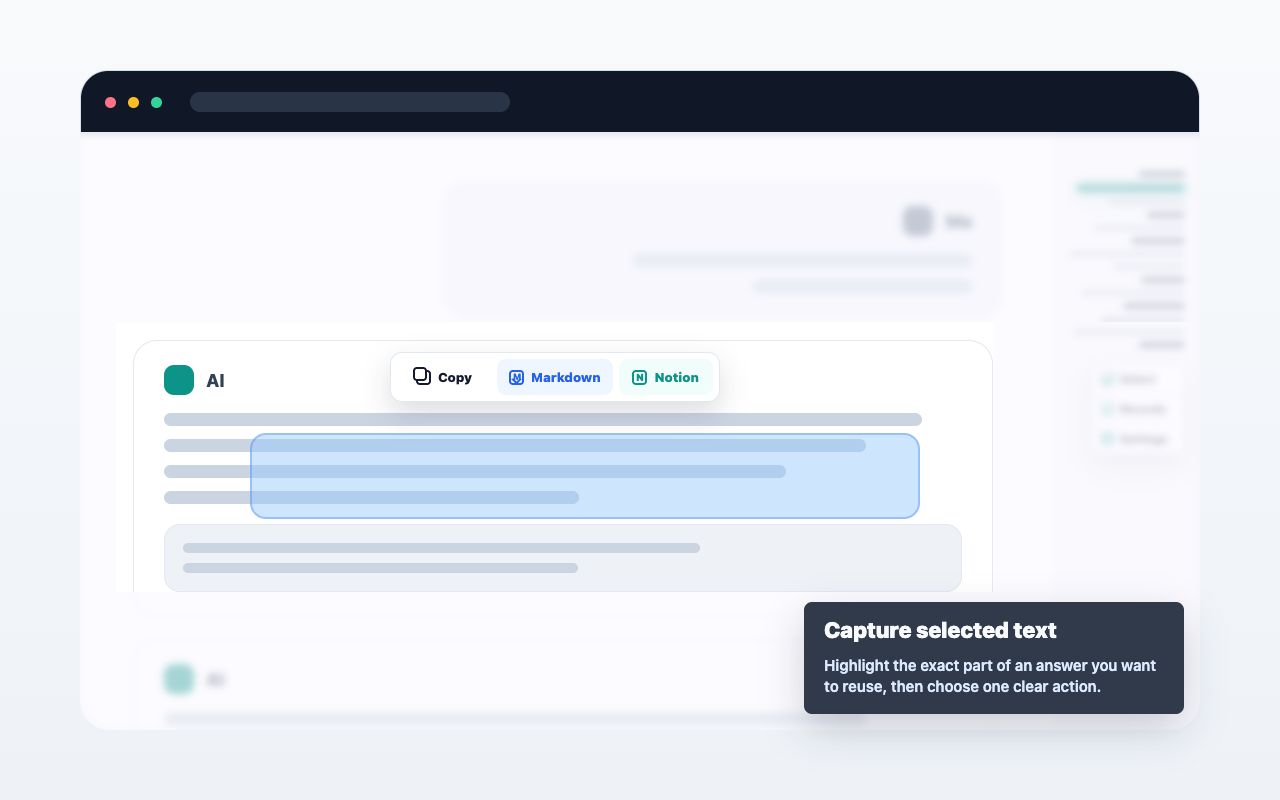
  2. Select text, hover a single message, or open multi-select from the message navigator.
  3. Choose copy, Markdown export, or Save to Notion.
  4. Review the result from the extension when needed.

Important details

AIChatNotes only acts after you click an action. It does not automatically upload full conversations.
Segnaposto immagine caso d'uso

FAQ

È sincronizzazione automatica?

No. Agisce solo quando scegli un'azione.

Posso usare Markdown?

Sì. Puoi copiare o esportare contenuti selezionati in Markdown.

Notion richiede pagamento?

No. Il salvataggio Notion è attualmente gratuito.