Workflow

  1. Open a ChatGPT conversation.
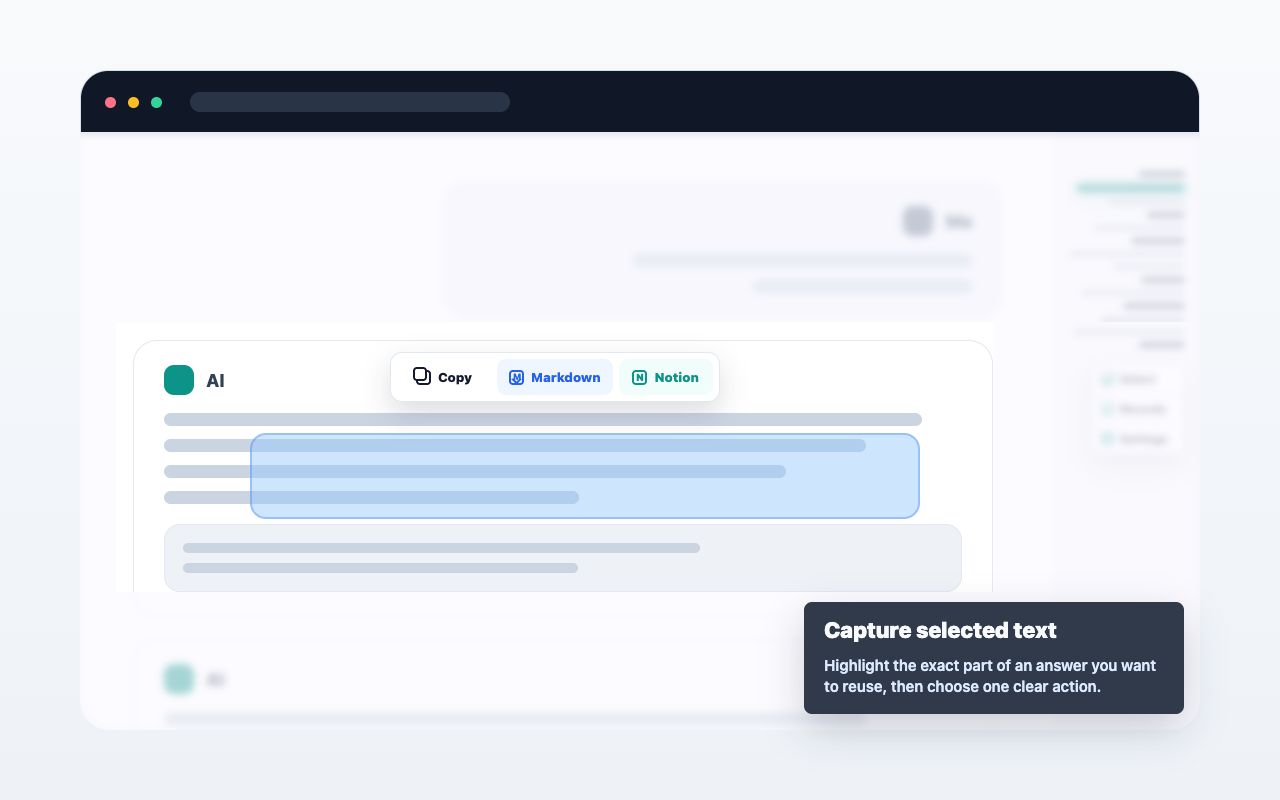
  2. Select text, hover a single message, or open multi-select from the message navigator.
  3. Choose copy, Markdown export, or Save to Notion.
  4. Review the result from the extension when needed.

Important details

AIChatNotes only acts after you click an action. It does not automatically upload full conversations.
Vị trí ảnh trường hợp sử dụng

FAQ

Có tự động đồng bộ không?

Không. Chỉ hoạt động khi bạn chọn hành động.

Có dùng Markdown được không?

Có. Bạn có thể sao chép hoặc xuất nội dung đã chọn thành Markdown.

Notion có cần trả tiền không?

Không. Lưu vào Notion hiện miễn phí.