 AIChatNotes
Do I need a Notion token?
Yes. The token is stored locally in the extension and used for user-triggered Notion saves.
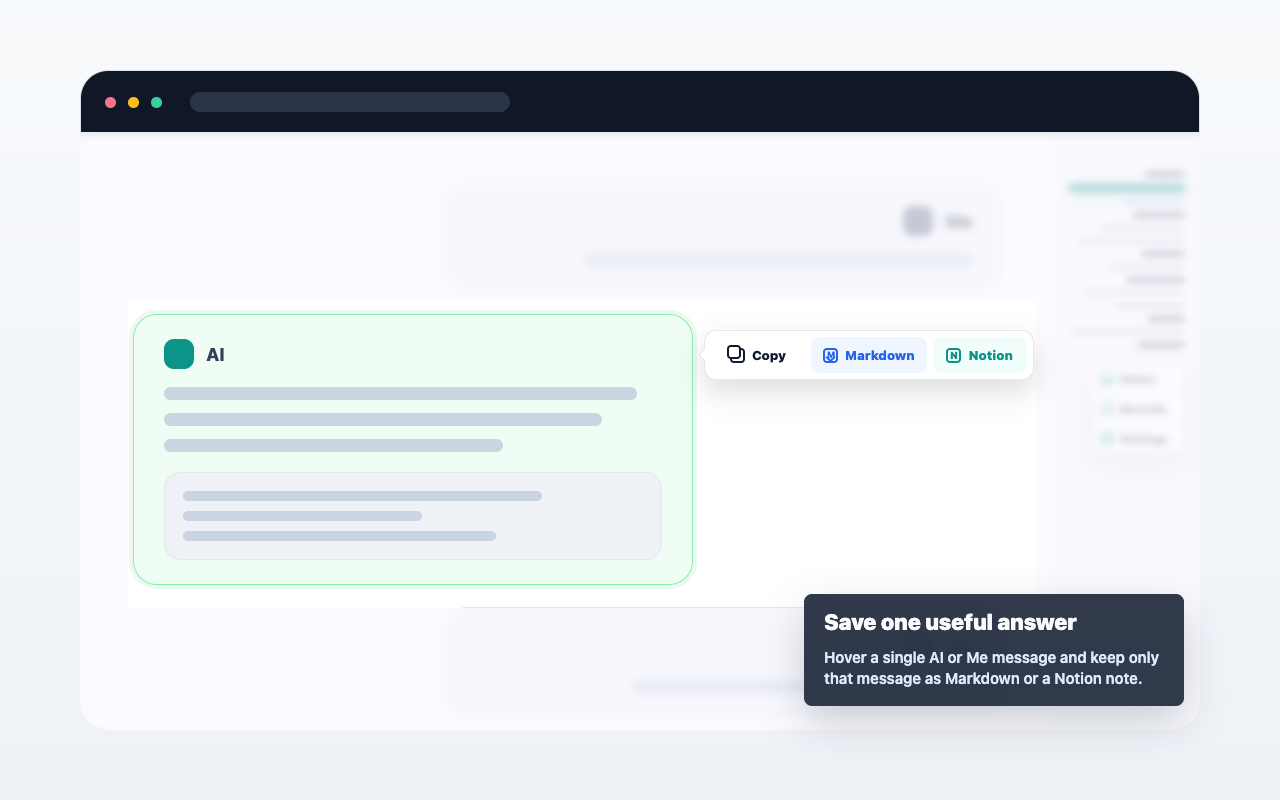
AIChatNotes lets you save selected ChatGPT text, one message, or multiple selected messages to Notion after you configure a Notion token.
AIChatNotes only acts after you click an action. It does not automatically upload full conversations.