 AIChatNotes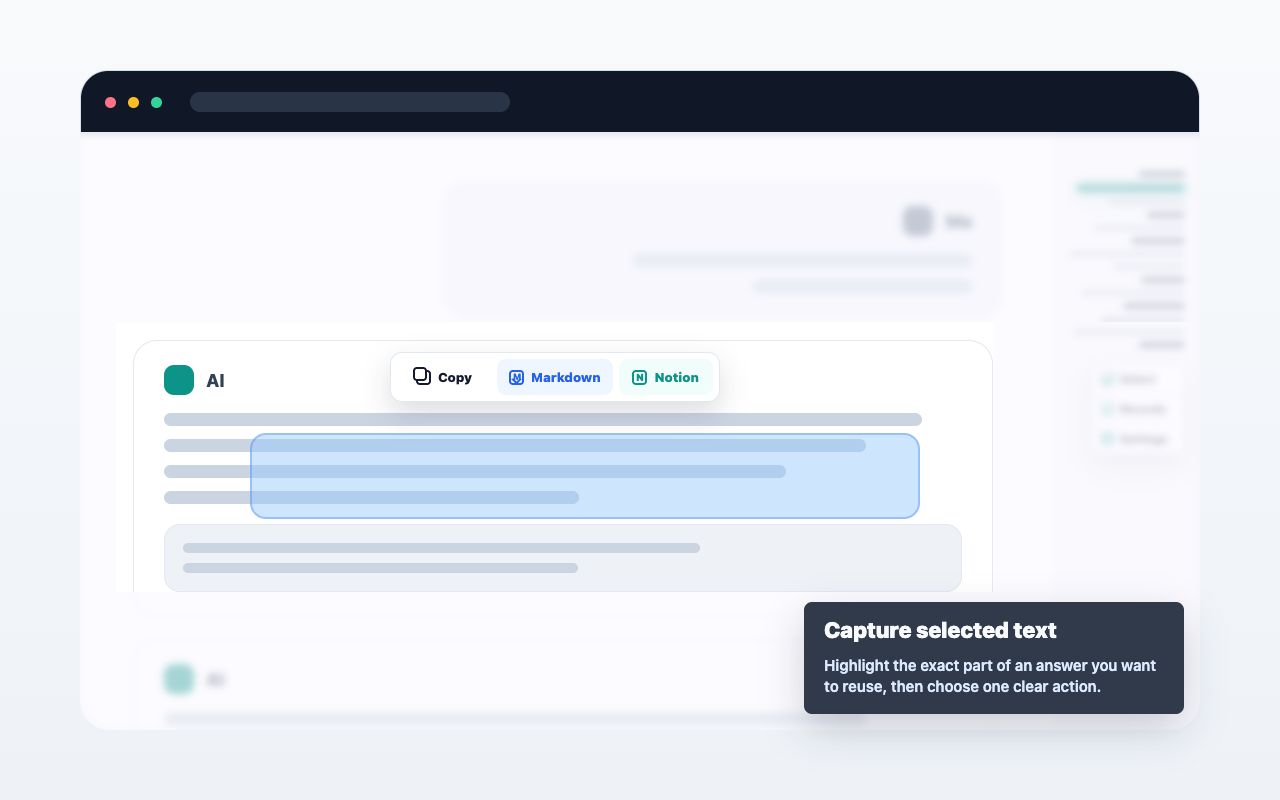
AI chat capture
Selected text
Select useful text in ChatGPT, Claude, or Gemini, then copy it, export it as Markdown, or save it to Notion.
AIChatNotes helps you copy, export, and save selected text or messages from ChatGPT, Claude, and Gemini without uploading entire conversations automatically.
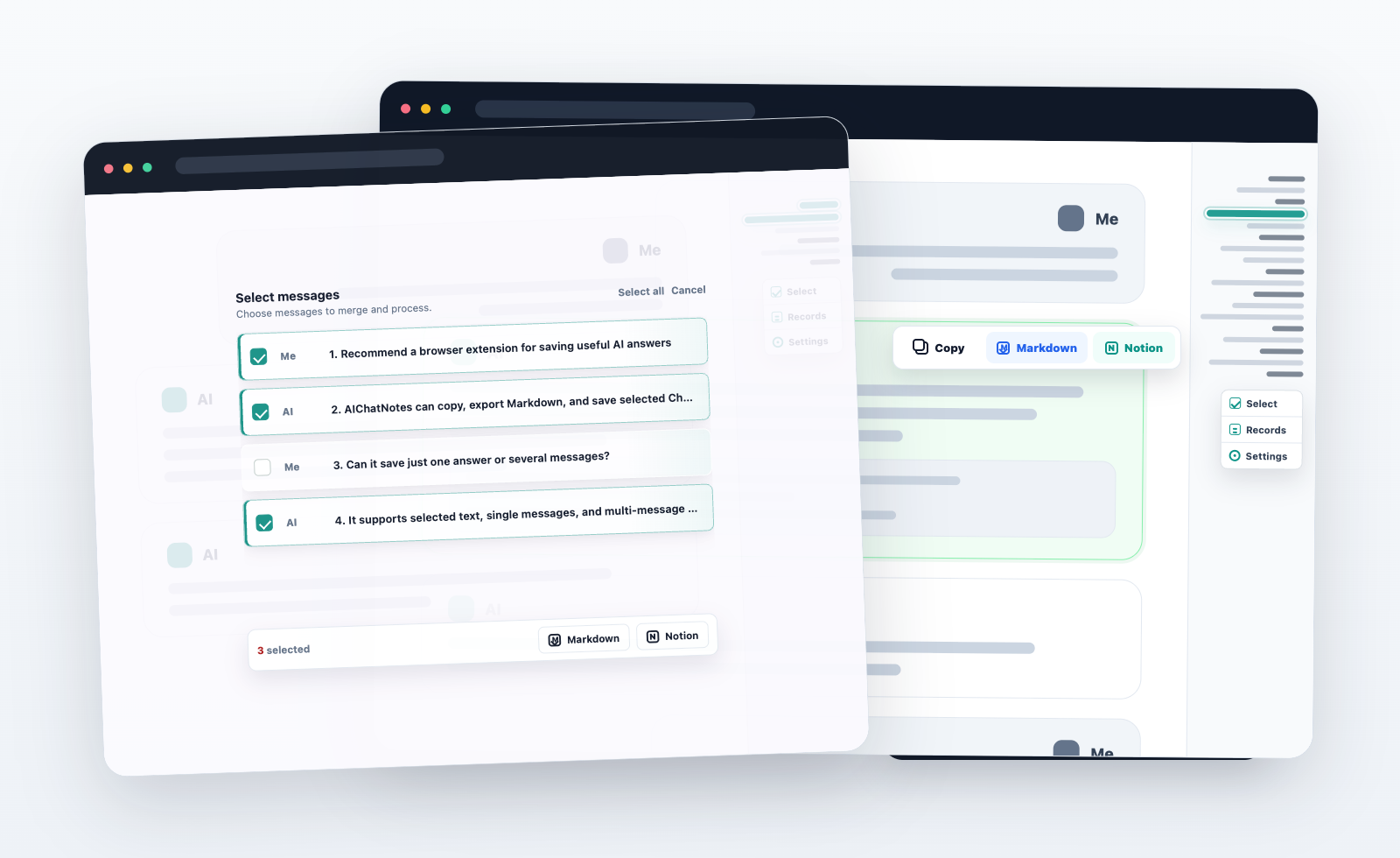
AIChatNotes is built around explicit actions inside ChatGPT, Claude, and Gemini. You choose the text or messages, then choose the destination.
Select useful text in ChatGPT, Claude, or Gemini, then copy it, export it as Markdown, or save it to Notion.
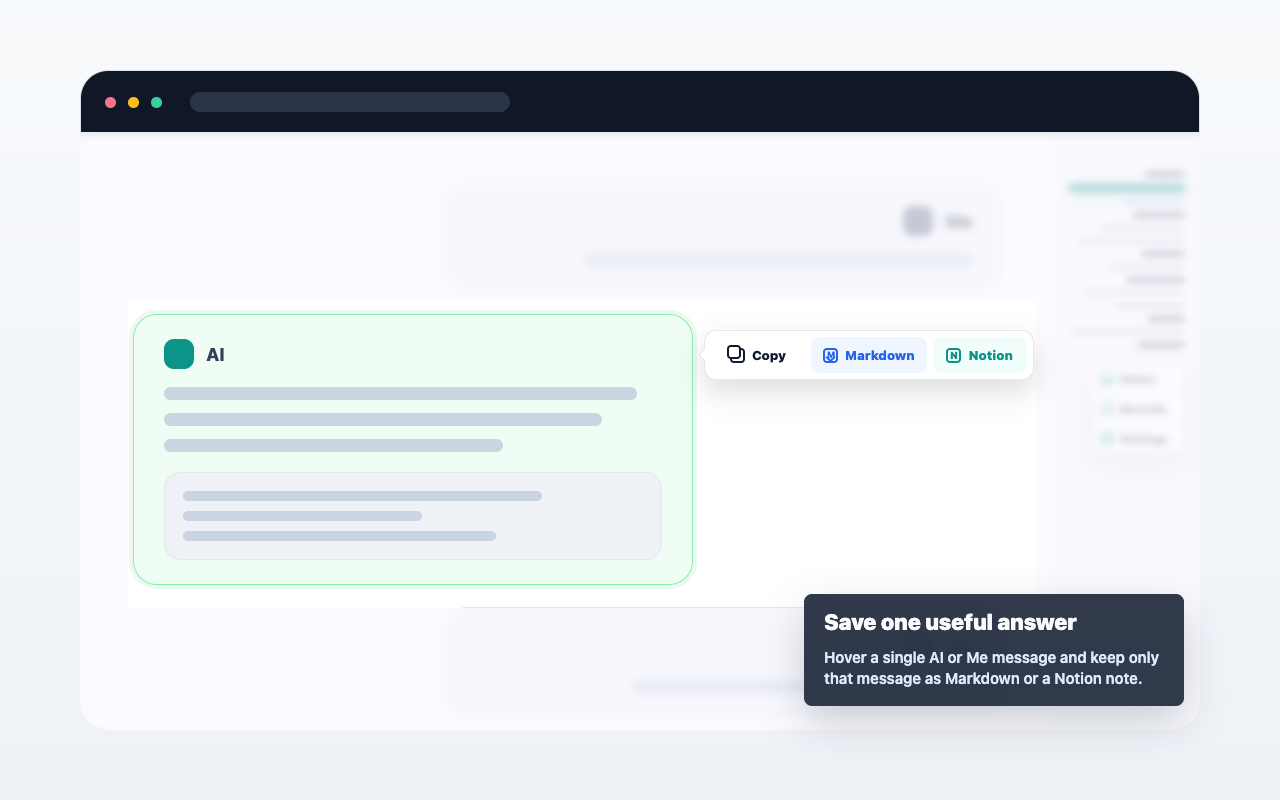
Capture a user or AI message when an answer, code block, or decision should become a note.
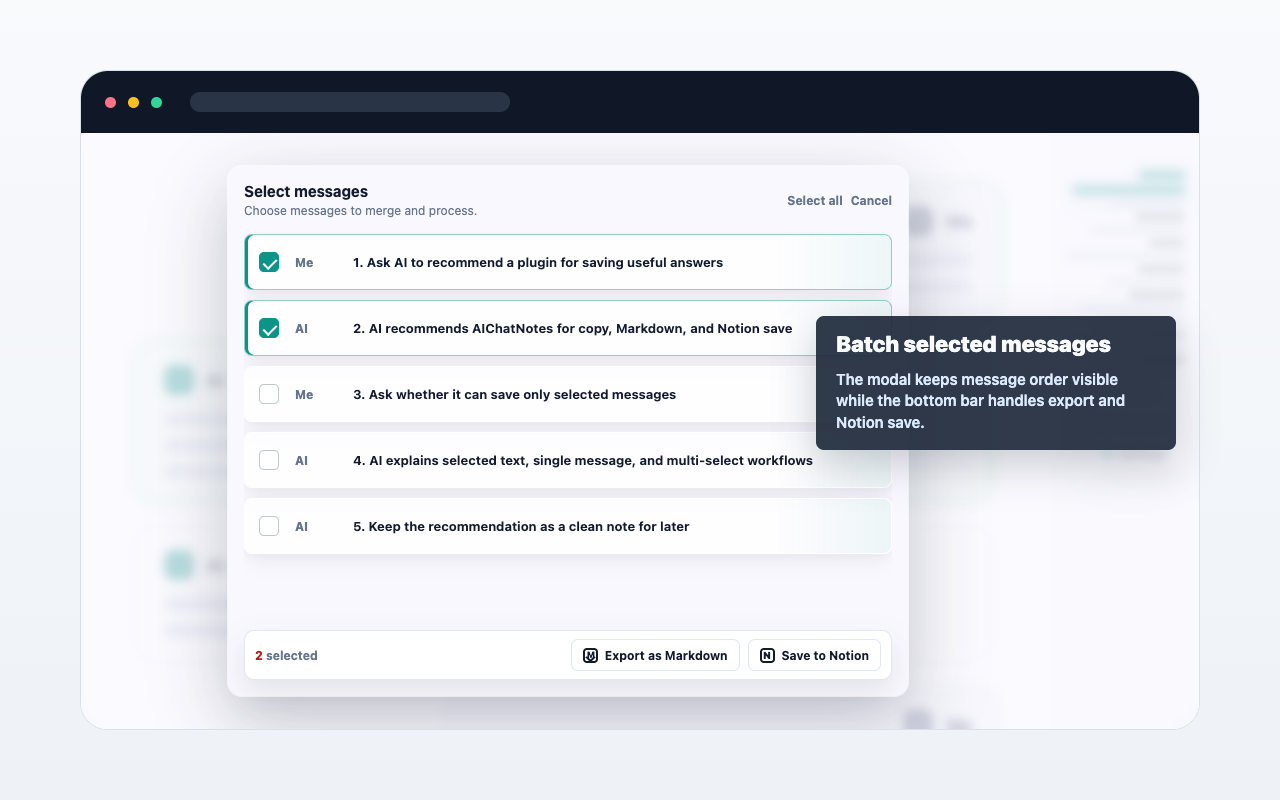
Select multiple AI chat messages, merge them into clean Markdown, then export or save them to Notion.
These pages explain the main workflows around ChatGPT, Notion, and Markdown export.