Workflow

  1. Open a ChatGPT conversation.
  2. Select text, hover a single message, or open multi-select from the message navigator.
  3. Choose copy, Markdown export, or Save to Notion.
  4. Review the result from the extension when needed.

Important details

AIChatNotes only acts after you click an action. It does not automatically upload full conversations.
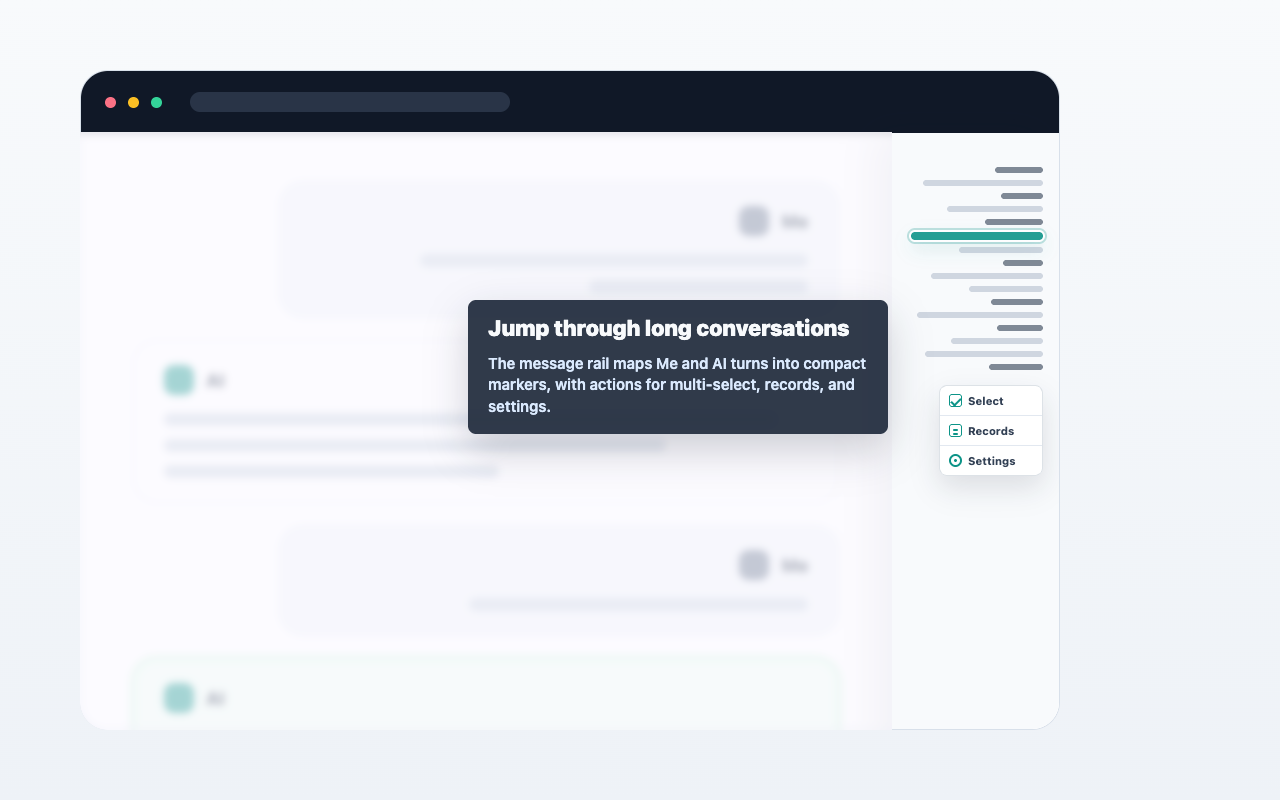
Navigator screenshot placeholder

FAQ

What does the navigator show?

It shows a compact rail of user and assistant messages so you can jump through long conversations.

Does it include hidden thinking or tool messages?

The visible navigator is designed around normal user and assistant message content.

Can I start multi-select from the navigator?

Yes. The navigator helps you open selection workflows faster.