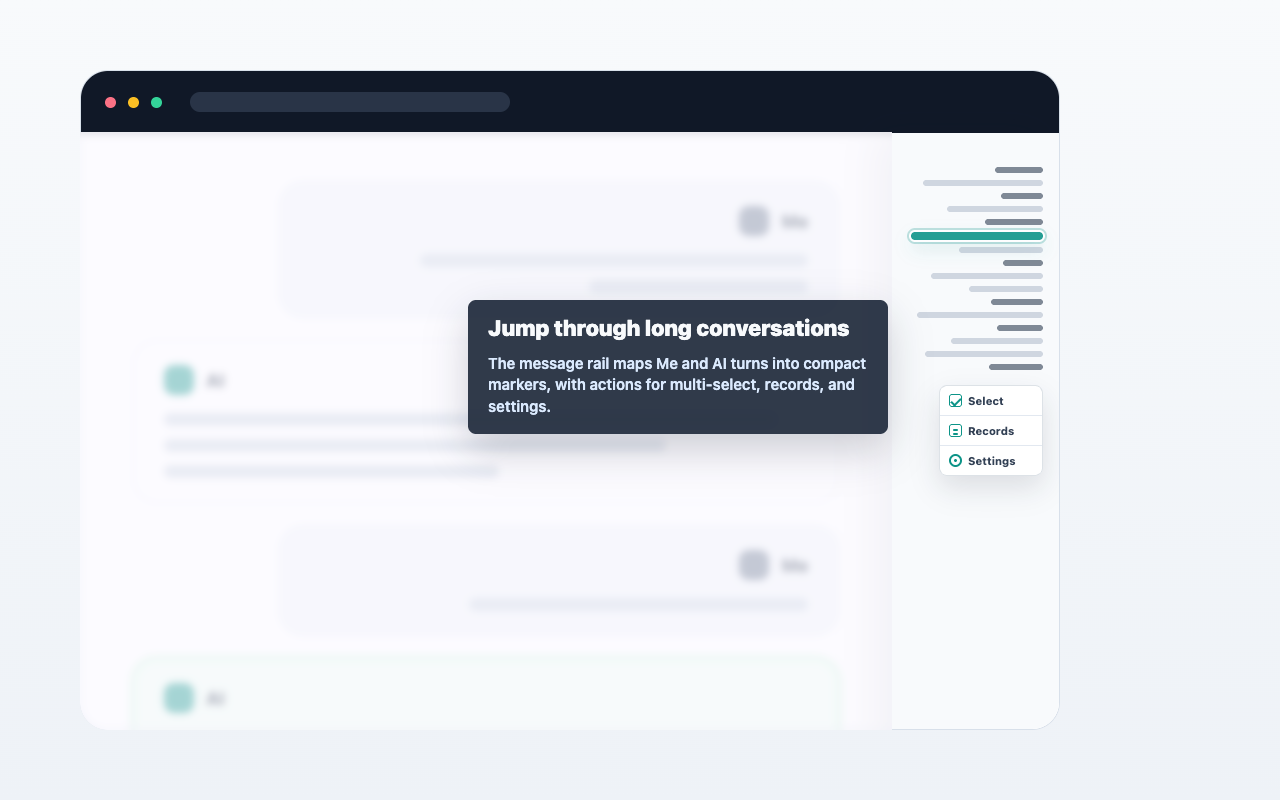
Workflow

  1. Open a ChatGPT conversation.
  2. Select text, hover a single message, or open multi-select from the message navigator.
  3. Choose copy, Markdown export, or Save to Notion.
  4. Review the result from the extension when needed.

Important details

AIChatNotes only acts after you click an action. It does not automatically upload full conversations.
사용 사례 이미지 자리

FAQ

자동 동기화인가요?

아니요. 사용자가 동작을 선택한 뒤에만 실행됩니다.

Markdown을 사용할 수 있나요?

네. 선택한 내용을 복사하거나 Markdown으로 내보낼 수 있습니다.

Notion 저장에 결제가 필요한가요?

아니요. Notion 저장은 현재 무료입니다.