 AIChatNotes
What does the navigator show?
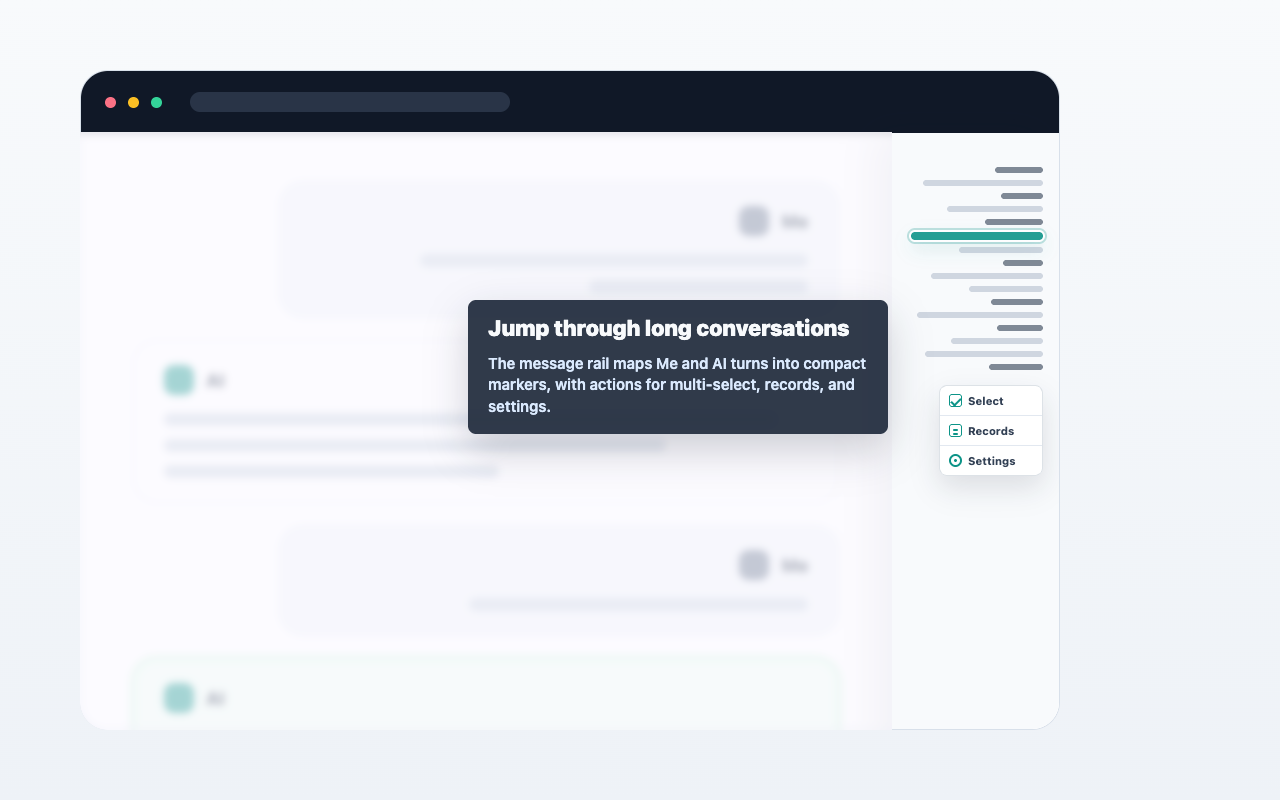
It shows a compact rail of user and assistant messages so you can jump through long conversations.
AIChatNotes adds a compact message rail to ChatGPT so long conversations are easier to scan, revisit, and export from.
AIChatNotes 只會在你點擊操作後執行。它不會自動上傳完整對話。